
A Christmas video card, starring your photo.
Upload one full-body photo of an adult and pick a Christmas dance. When you share it as a link, add a short message that shows above the video.
- 1 free video a day, no sign-up
- 3 a day when you sign in
- Original songs
- Ready in about 10 minutes
Choose a Christmas dance
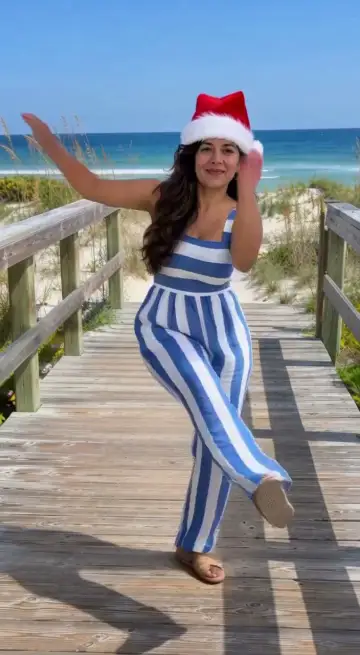
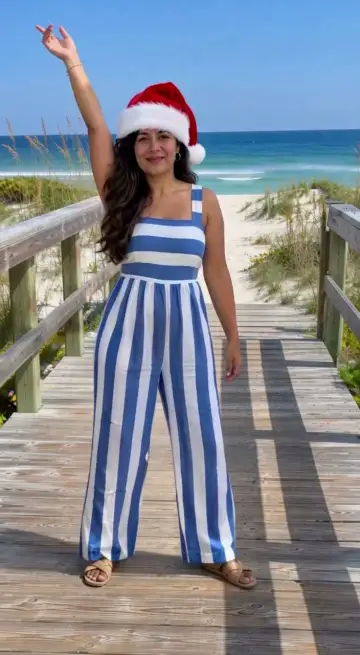
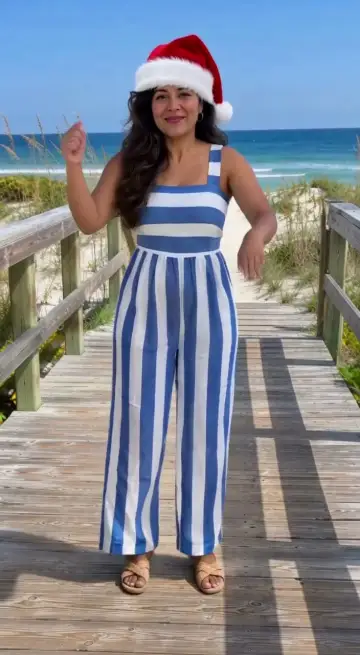
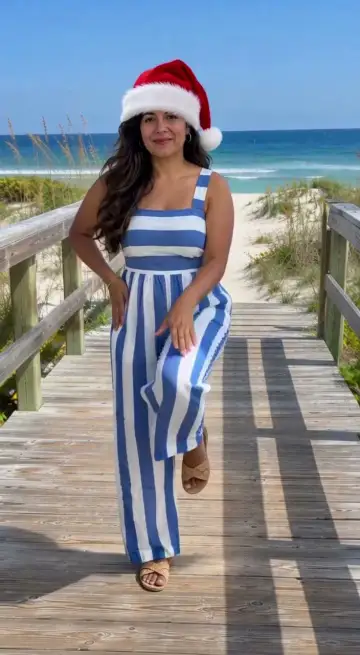
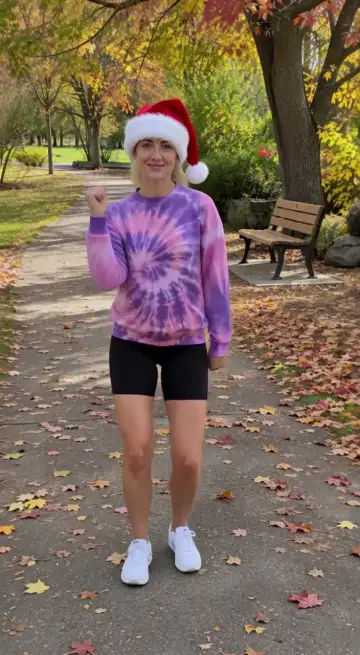
Make it, then send it
Use a clear photo of one person who agreed to it; a full-body photo looks best, and a selfie works too.
Choose a dance and make the video. Your face, outfit and setting stay yours; the dance adds the Santa hat.
Share a link that plays it with the song and add a short message that shows above the video, or download the MP4. Both work in group chats, WhatsApp, iMessage and email.
Whose photos you can use
Use your own photo or a photo of someone who agreed to it; for a child, you must be their parent or guardian. Public figures, nudity and anything sexual are blocked.
Questions
Something else? Write to us
Can I add a personal message?
Yes. When you share a link you can add a message of up to 150 characters; it shows above the video. Links are not allowed. The downloaded MP4 has no text on it.
How long is the card?
About 6 to 10 seconds with music: a short dancing greeting, not a slideshow.
Is MoveMyPhoto free?
Yes. You can make 1 video a day without signing up, and 3 a day after you sign in. Free videos have a MoveMyPhoto watermark. Failed or blocked videos don’t count.
What photo works best?
A clear, well-lit photo of one adult with the whole body in frame looks most like you. Selfies, half-body photos, stickers, drawings and even a scene with no one in it work too: we draw the missing body or a person into the scene first, which adds about a minute.
How long does a video take?
Usually about 10 minutes; it can take longer when many people are making videos. You don’t have to wait on the page: your video is saved in My videos.